Formative and validative human factors studies for automated insulin dosing app
Assessing task performance for the use of critical safety-related features ahead of clinical trials
Flexible Problem-Solving
Re-wrote protocols and moderators guides on a short deadline to change a formative study to a validation study, redesigning tasks in order to produce data that could be submitted to the FDA
Root Cause Analysis
Rapid scorekeeping and note-taking during sessions, conducting root cause probing and analysis
Project Management
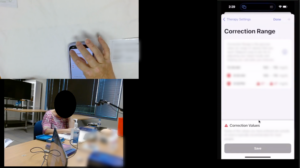
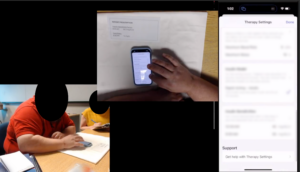
Project management and research operations for in-person study including consent forms, prototype management and troubleshooting, and running recordings and live streams including webcams and screen mirroring
Report Writing
Drafted and submitted materials for 510(k) submission for FDA approval ahead of a clinical trial
Impact
Drafted documentation of risk analysis for successful FDA submission; approved to move forward with clinical trial
Recommended design updates to the app for tasks with an unacceptably high number of use errors
Ensured that studies were organized, well-documented, and ran on schedule
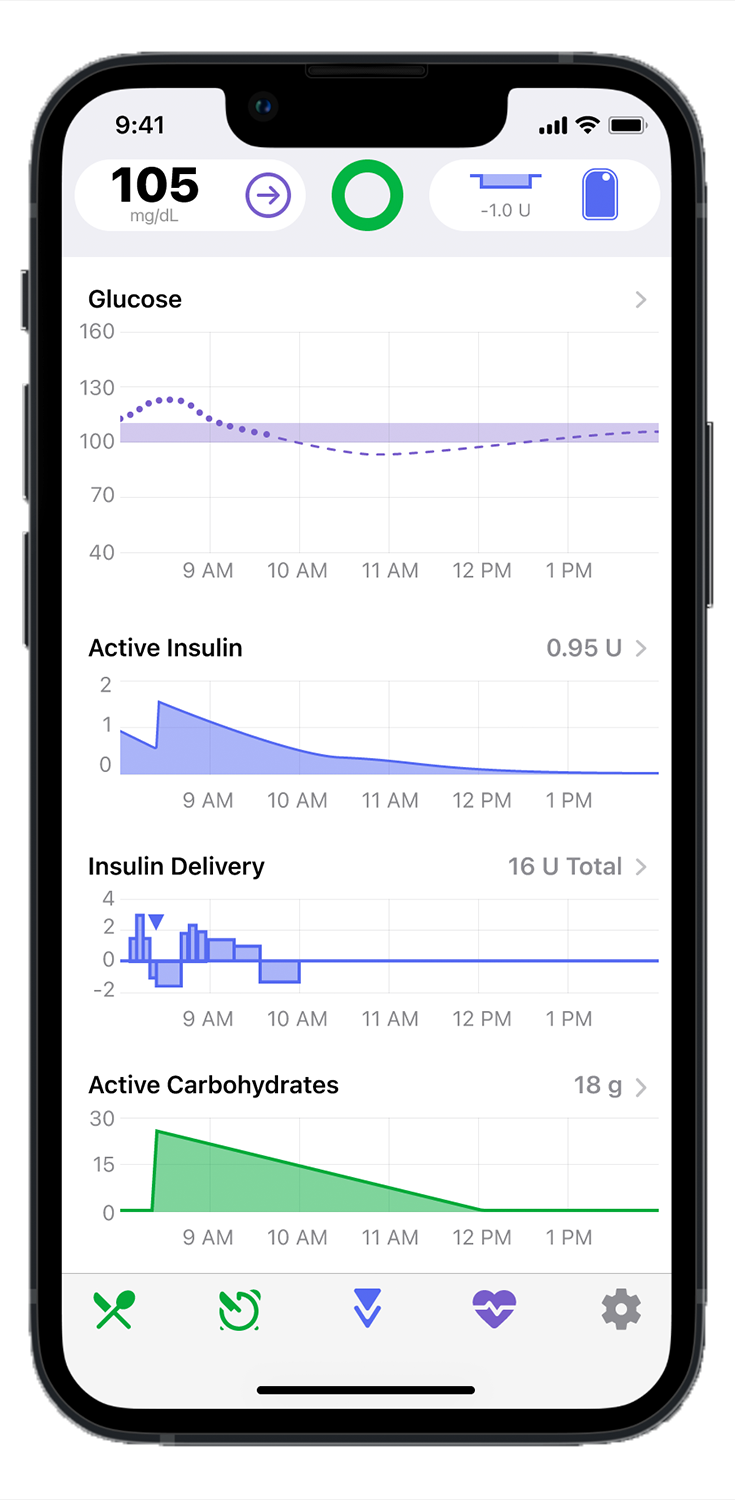
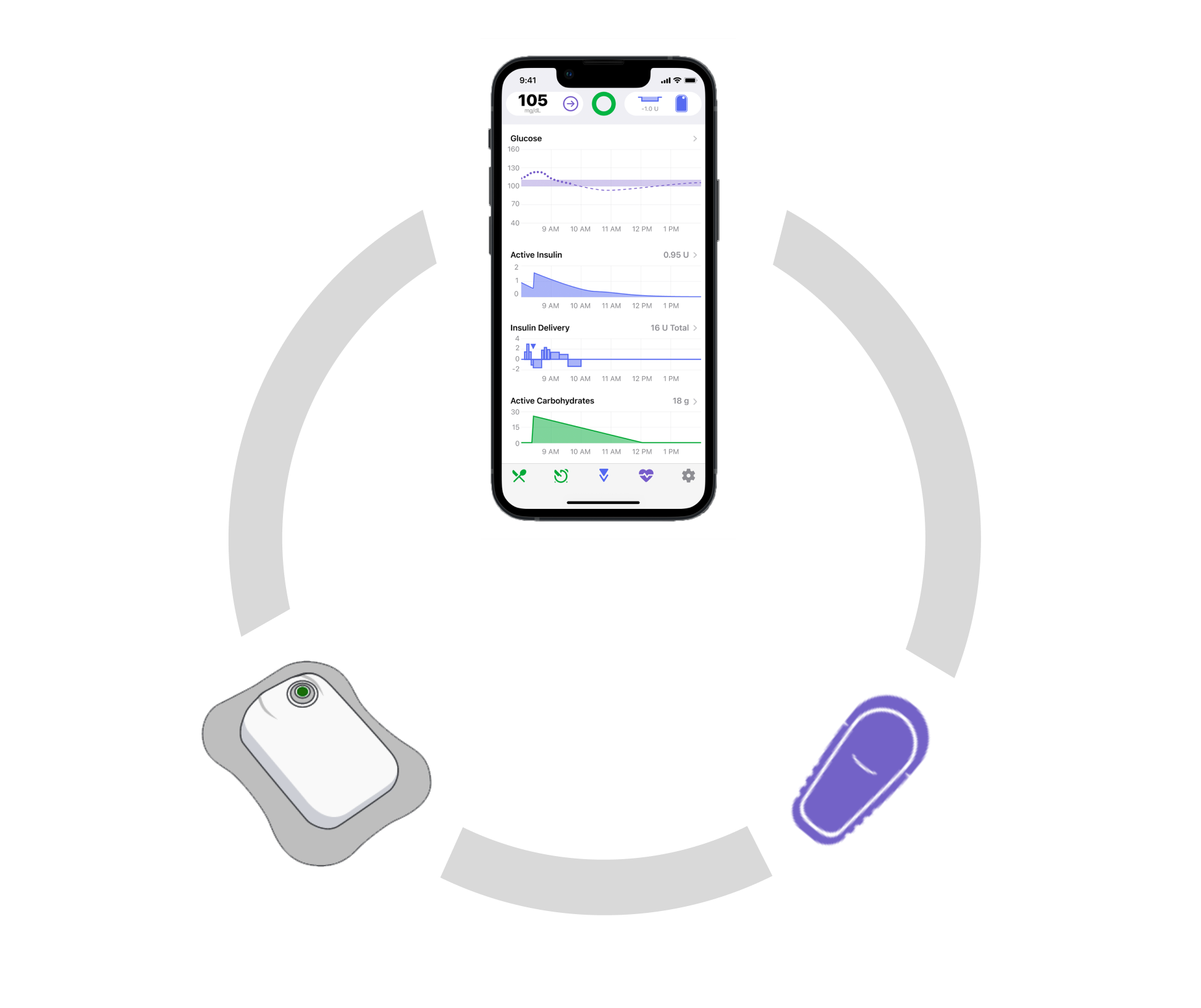
The Tidepool Loop app is interoperable with different pumps and CGMs, so it needs to go through human factors validation studies with each new medical device partner in order to validate device-specific tasks such as filling the pump with insulin or changing out the CGM sensor.
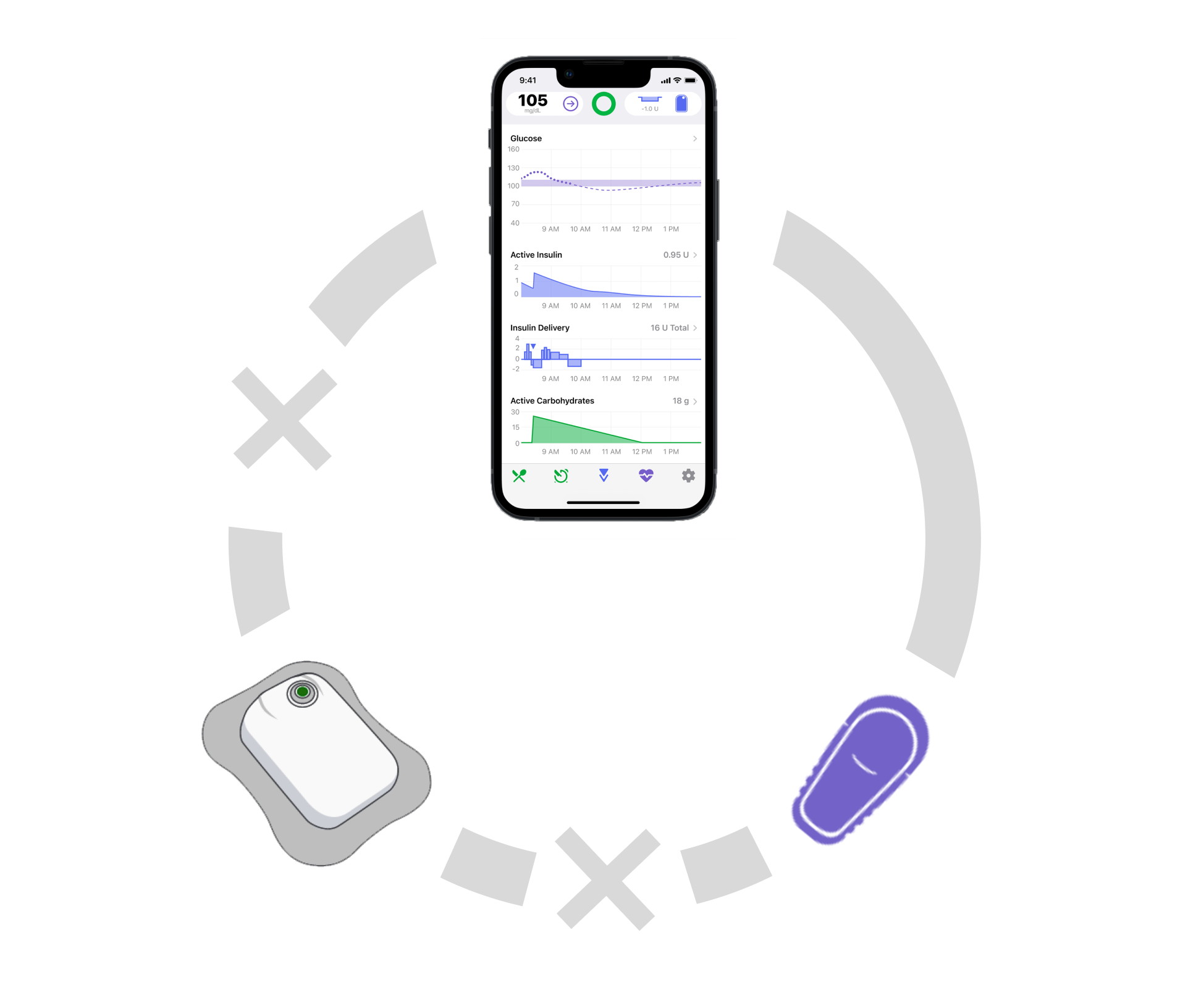
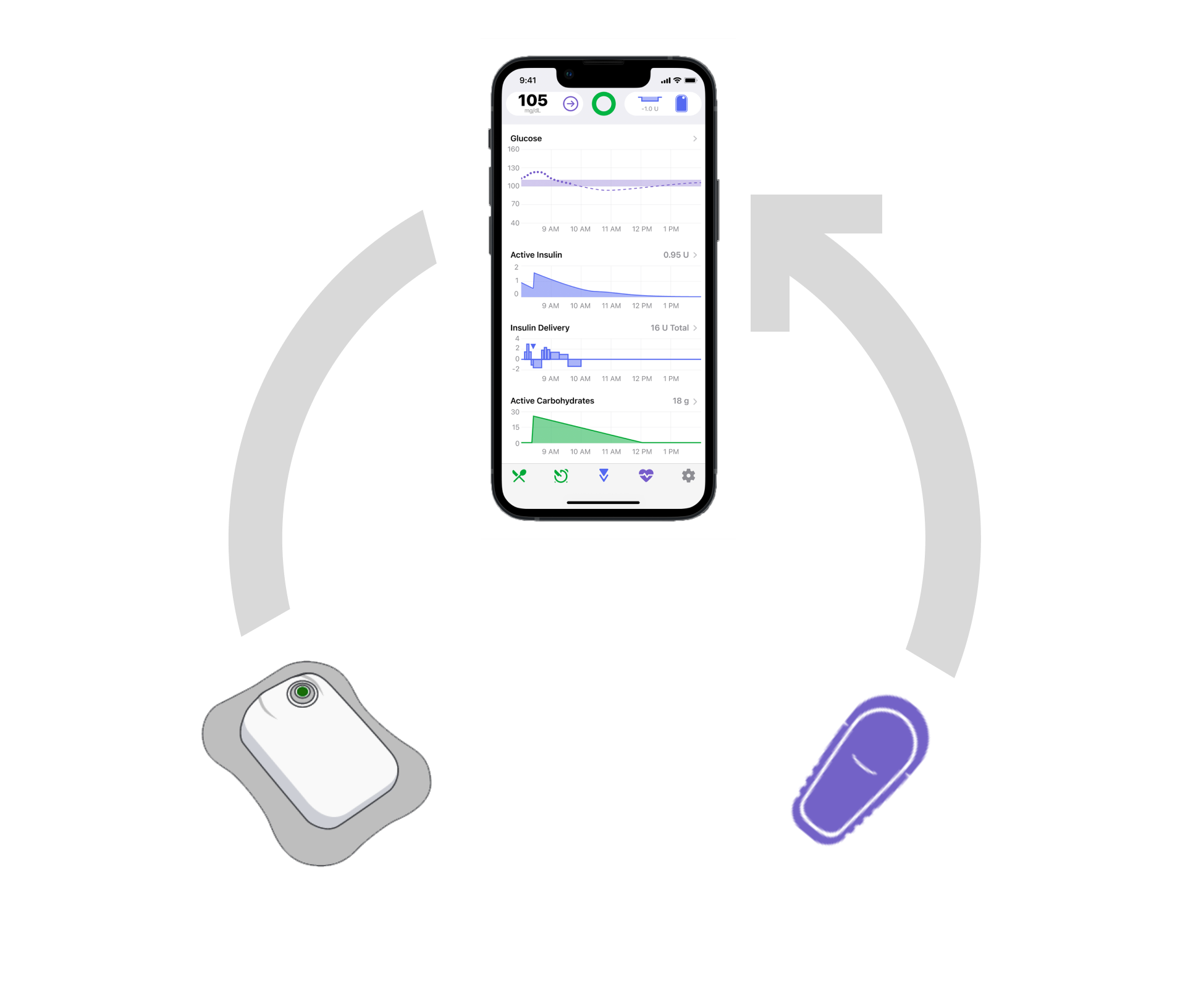
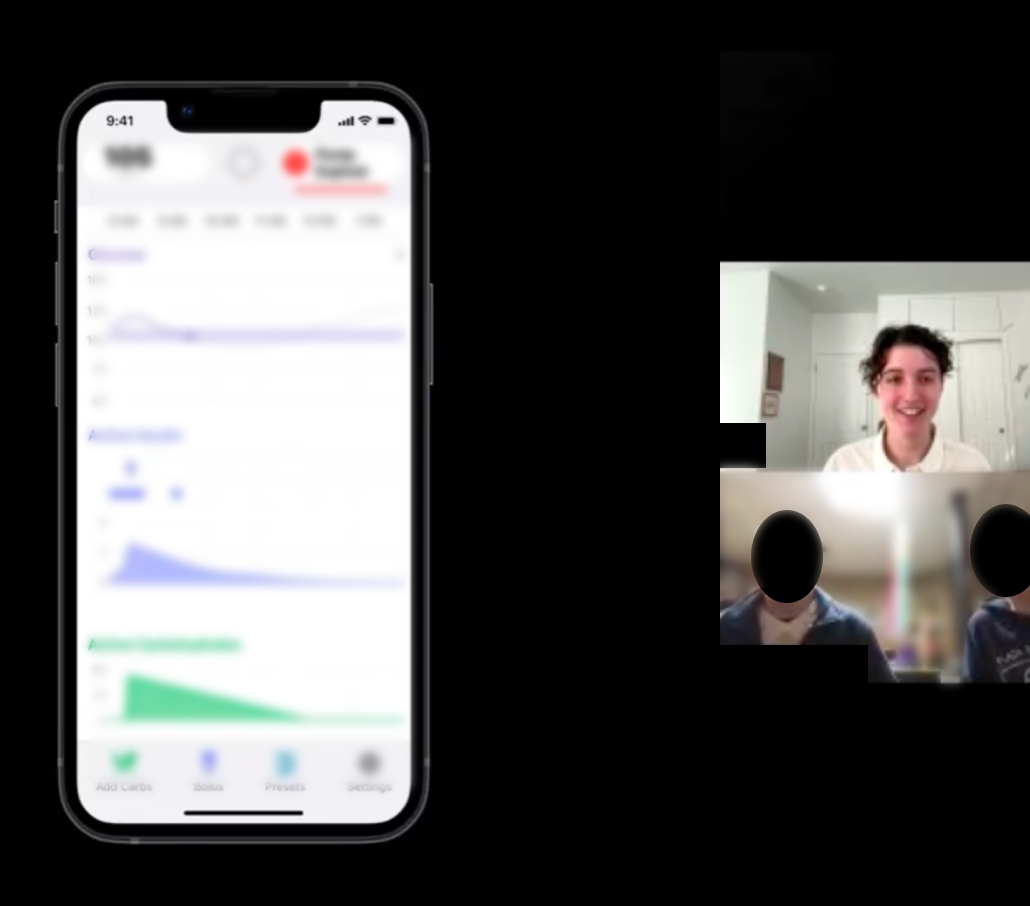
Tidepool Loop helps users to stay in their preferred blood glucose range by taking in blood glucose readings from a bluetooth-paired continuous glucose monitor (CGM) and adjusting the amount of insulin the bluetooth-paired insulin pump is delivering, updating as often as every five minutes
Research goal: confirm whether users can successfully complete a series of usability-related and risk-related tasks in the app
2 formative studies conducted over zoom
1 validation study in-person
DESIGN RECOMMENDATIONS FOR CRITICAL SAFETY RISKS
Pausing Insulin Delivery
Several users hesitated to take action to suspend all insulin delivery, due to negative transfer from previous experiences navigating a different insulin pump app. Participants ultimately resolved their difficulty after exploration or a simulated call to customer support.
The risk of a use event was evaluated with the regulatory team and there was an acceptable level of post-mitigation risk, so we did not recommend any further design changes.
Recognizing when automation is turned off
During formative studies, several users experienced perception difficulties with the terminology for automation, because they did not associate it with “closed loop,” a term that comes from DIY Loop. We recommended adding a pop-up when a user taps on the icon explaining if automation is currently on or off.
During validation, there were zero use errors and only one close call with a participant who ultimately read the pop-up and self-corrected. Because this event is unlikely to occur after initial use, we did not recommend any further design changes.
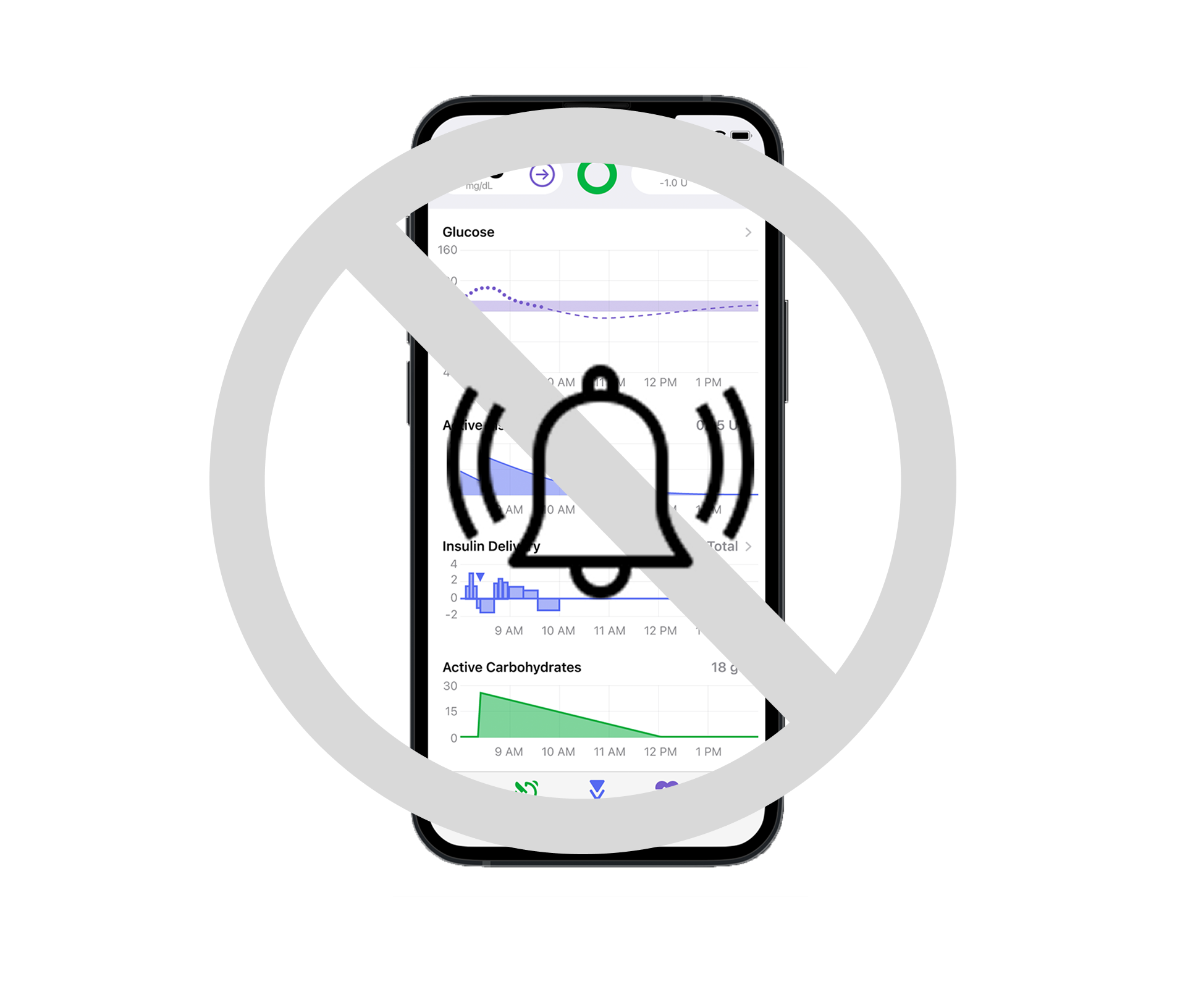
Muting sounds and alerts coming from the app
During formative testing, several users expressed the belief that they would still hear some high-priority critical alerts with “mute sounds” enabled, due to negative transfer from other diabetes devices which do not allow the user to mute critical alerts.
The in-app text explaining “mute sounds” is small and gray, and users did not perceive it. The risk of a use event was evaluated with the regulatory team and there was an acceptable level of post-mitigation risk with the design recommendation to make the explanatory text more visually salient.
Study Details
Study planning
During the second formative testing I co-authored the protocol and moderator’s guide for the third and final study
Adapting to new time constraints
The deadline to start clinical trial was moved earlier, so we decided that there was a low enough level of errors to adapt the third formative study into a validation study, which allowed us to submit the results of that study to the FDA
Getting ready to conduct a validation study
I coordinated with the risk and regulatory team to determine the appropriate level of risk for any use events that might arise during the study tests according to the URRA (use related risk analysis) and ensured consistency across documentation
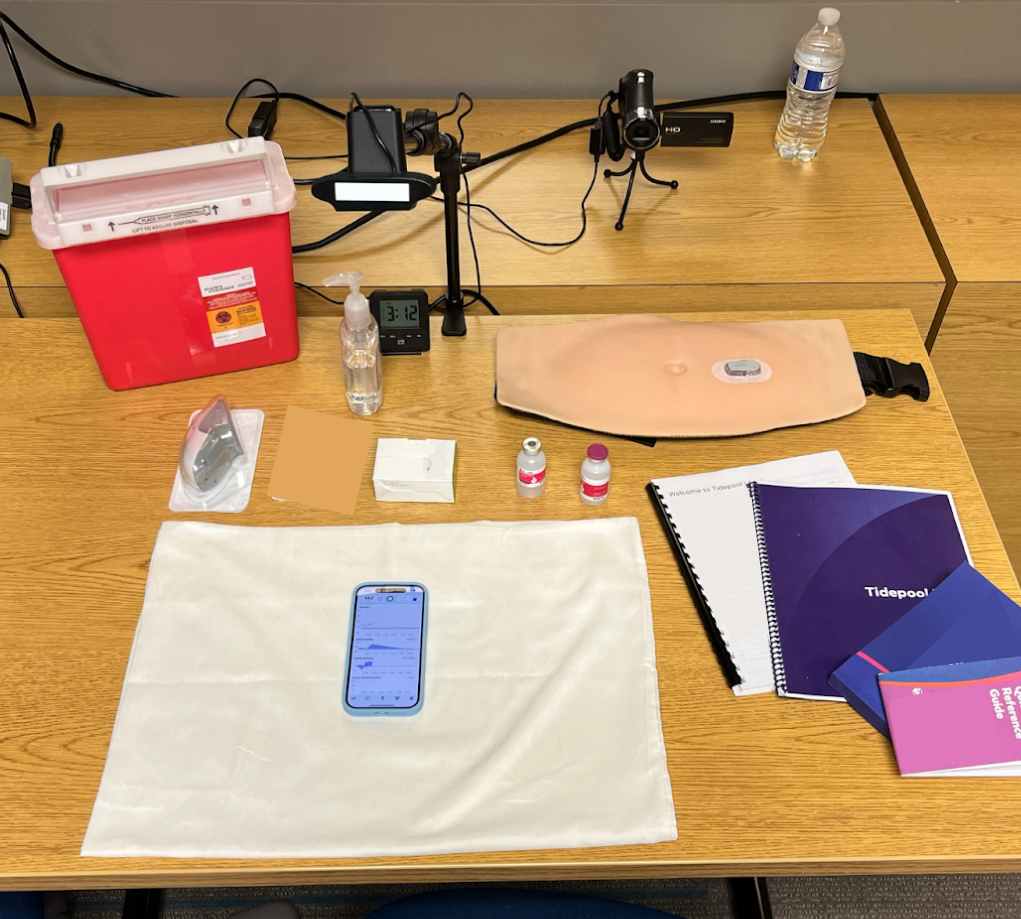
Running an in-person validation study
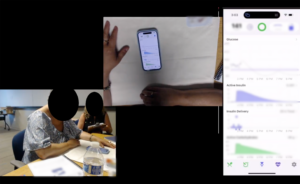
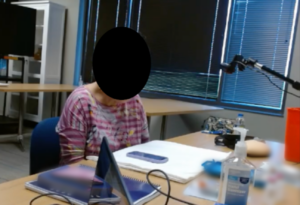
I coordinated and tracked the pre-study training sessions and user testing sessions with 3 certified diabetes education specialists, 4 moderators, 4 note-takers and 18 participants. I set up all study session recording and streaming, including several camera angles and iPhone screen mirroring
Results and Report Writing
510(k) submission
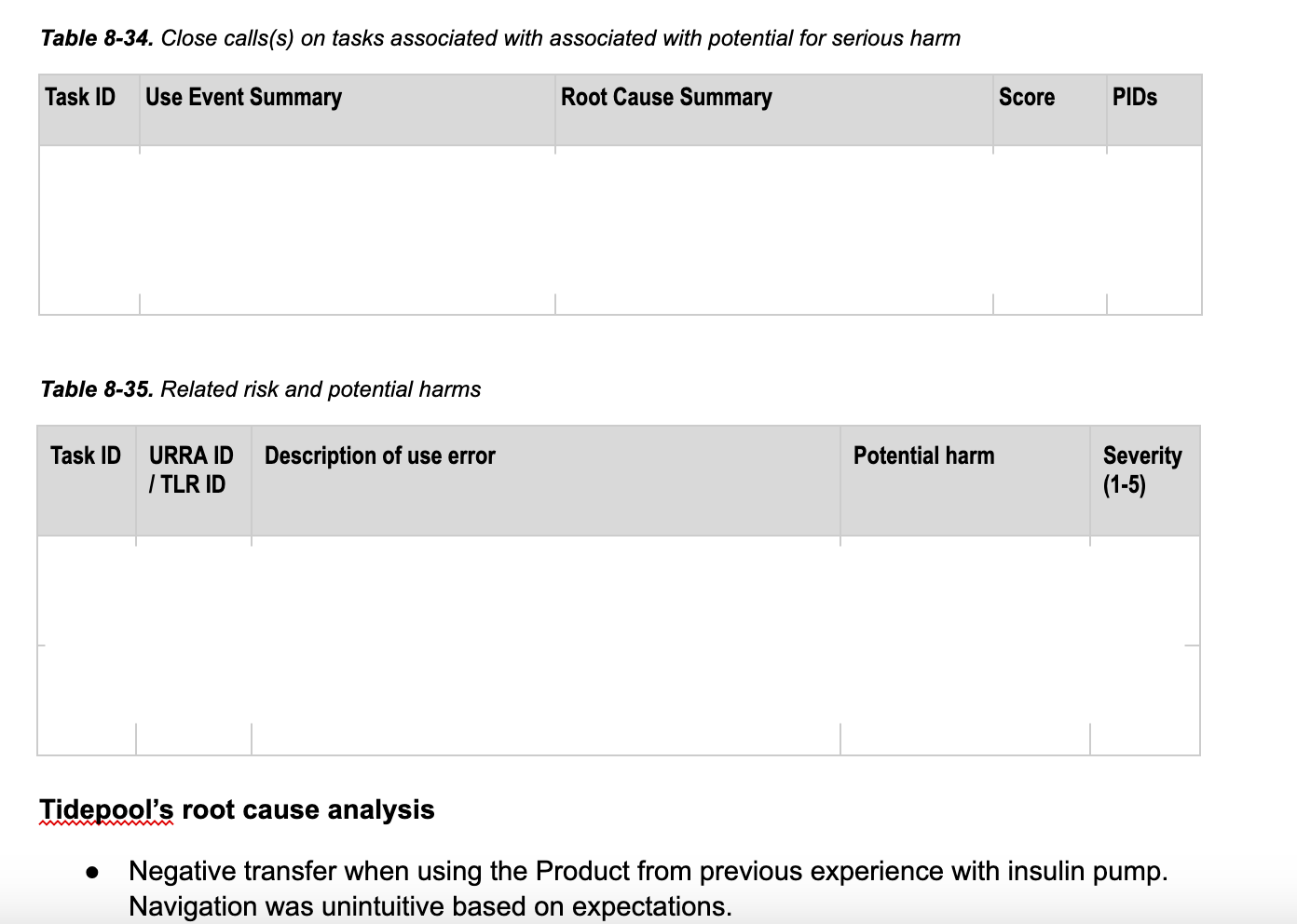
Drafted a description of use events with participant-reported root causes, and conducted a root cause analysis of each use error and close call.
For tasks associated with potential for serious harm, identified current risk mitigation efforts and residual risk commentary.
Described any planned changes to the UI ahead of clinical trials and whether or not the changes would require further validation studies
Stakeholder presentations
Uploaded and organized 80+ hours of recordings and transcripts from study sessions
Aggregated video and audio highlight reels to demonstrate overall positive feedback, areas for improvement, and any insights related to tasks with a high number of use events