Testing Content Comprehension and Recall for an Educational Tutorial on Exercising with Diabetes
Adults with Type I Diabetes completed an unmoderated content comprehension activity in a simulated in-app tutorial, followed 24 hours later with a memory retention survey.
7 copy updates
to improve reading comprehension
2 design updates
to make new information more visually salient
50% of participants
in first round who incorrectly recalled a piece of new information
17% of participants
in final round who incorrectly recalled that same information after copy and design updates
Impact
Recommended iterations on design and copy, improving comprehension and retention of new information
Quickly adapted and recovered from challenges that came up during unmoderated testing
Developed a start-to-finish research plan to optimize for high quality insights and resource efficiency
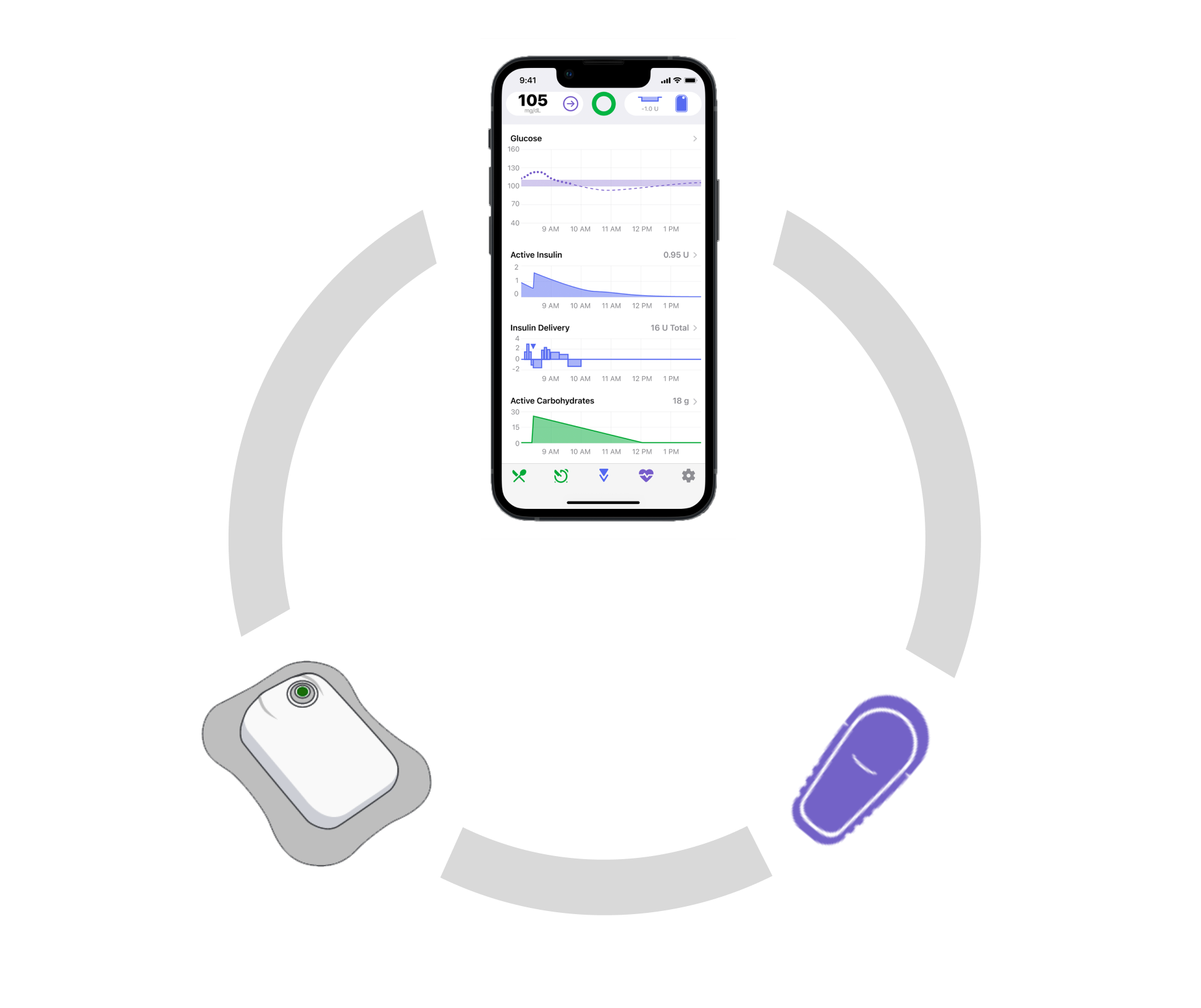
Tidepool Loop helps users to stay in their preferred blood glucose range by taking in blood glucose readings from a bluetooth-paired continuous glucose monitor (CGM) and adjusting the amount of insulin the bluetooth-paired insulin pump is delivering, updating as often as every five minutes
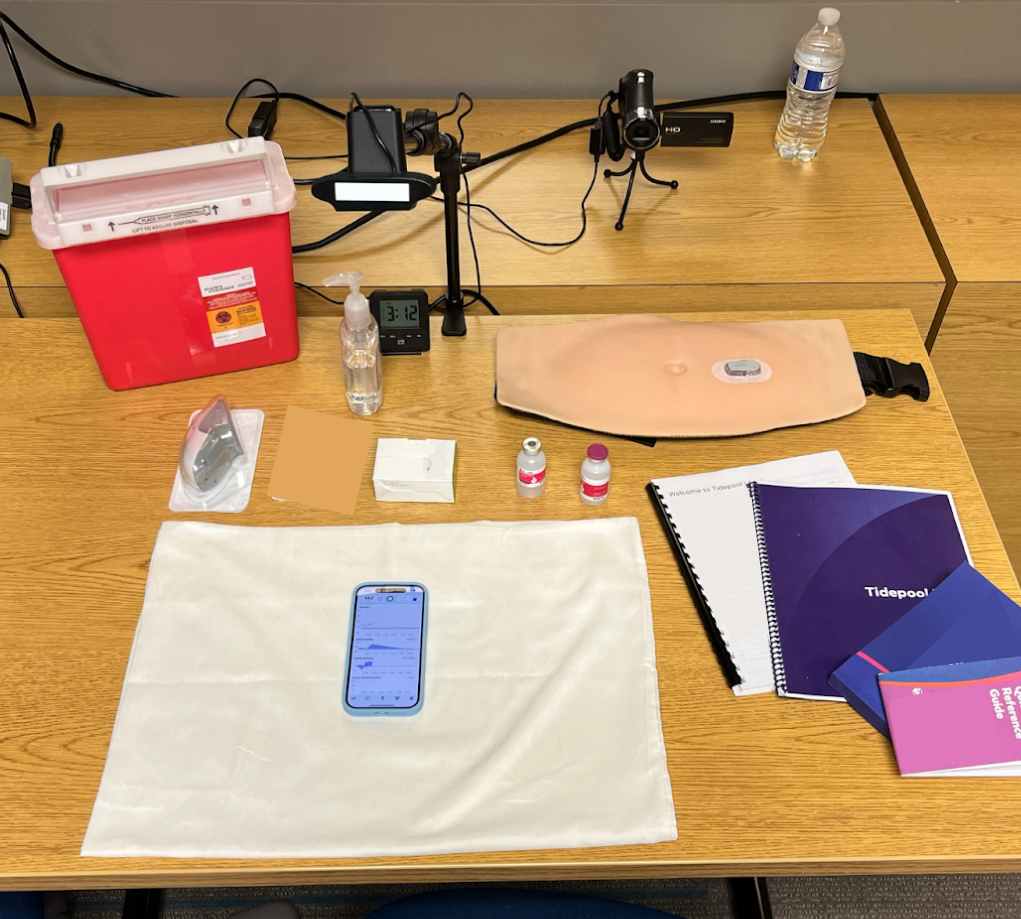
The Tidepool Loop app is interoperable with different pumps and CGMs, so it needs to go through human factors validation studies with each new medical device partner in order to validate device-specific tasks such as filling the pump with insulin or changing out the CGM sensor
Activity Presets
Activity presets allow users to temporarily adjust their settings for events like exercise, illness, or hormonal changes. Tidepool Loop includes built-in presets to help users manage their insulin during common activities. One of these built in-presets is for physical activity, and is called a “workout preset” or “exercise preset.”
The concept of a preset may be unfamiliar to users who have not previously used an automated insulin dosing (AID) system. Tidepool is developing an optional educational tutorial to help users understand what presets are, and how to use them.
Research Goals
Test memory recall of key information and safety-related information of educational material
Test comprehension of educational material in presets tutorial
Research Methods
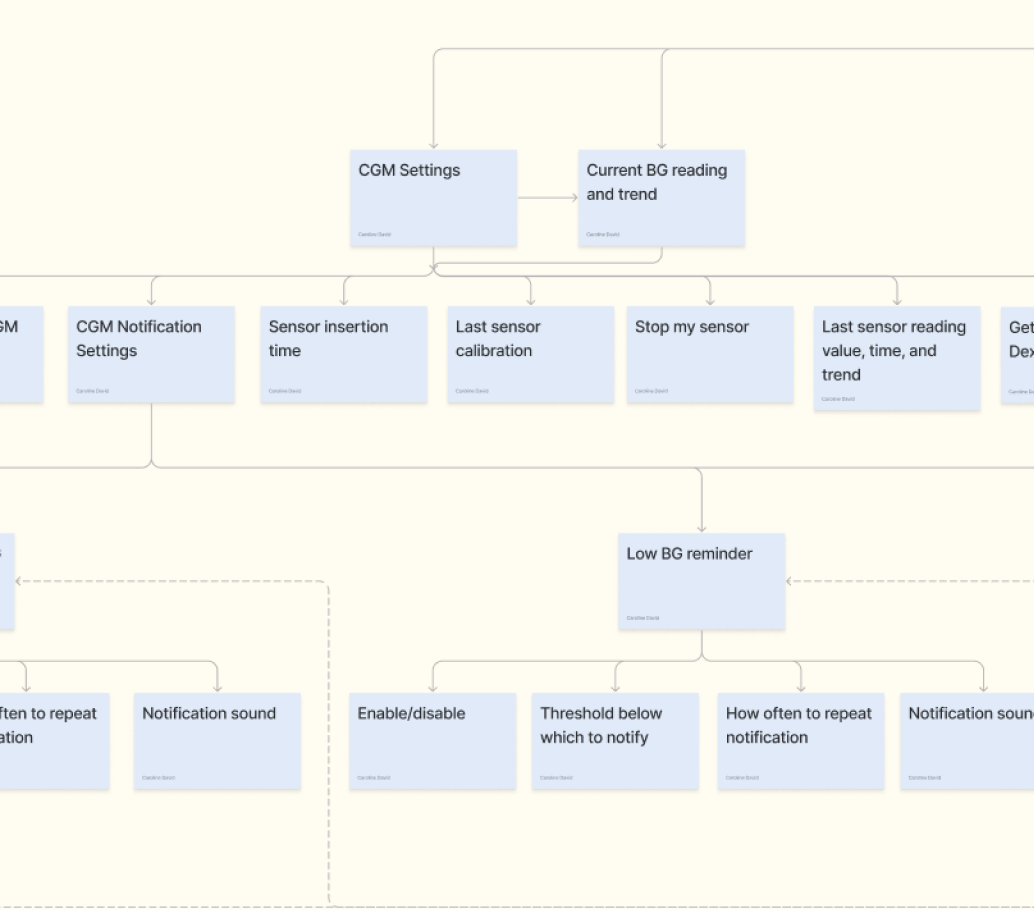
I created a comprehensive list of all of the possible research methods we could use to achieve the research goals, and presented them to the design team with recommendations.
Talk out loud walkthrough
Highlighter testing
Comprehension “quiz”
Usability testing tasks
Talk out loud walkthrough – This allowed participants to give qualitative feedback on the wording and content of the educational tutorial as they were reading it.
Comprehension “quiz” – Measured the participants’ before-and-after knowledge of key topics from the educational tutorial.
Small sample size
Large sample size
Small sample size – 6 participants was likely to be enough to start seeing repeat feedback and to surface key themes; a second round of research could be done after updates from the first round were made. If the research team did not feel that they had reached information saturation after only 6 participants, we were prepared to run an additional 2-4 participants or to switch to moderated sessions.
Moderated study
Unmoderated study
Unmoderated sessions – Improved efficiency of research and design updates. While researchers could not probe participants during the study, the themes that arose during unmoderated sessions were the focus of feedback during a later round of moderated research.
Study Setup
Participants took a pre-session survey which assessed their prior knowledge of key topics related to activity presets.
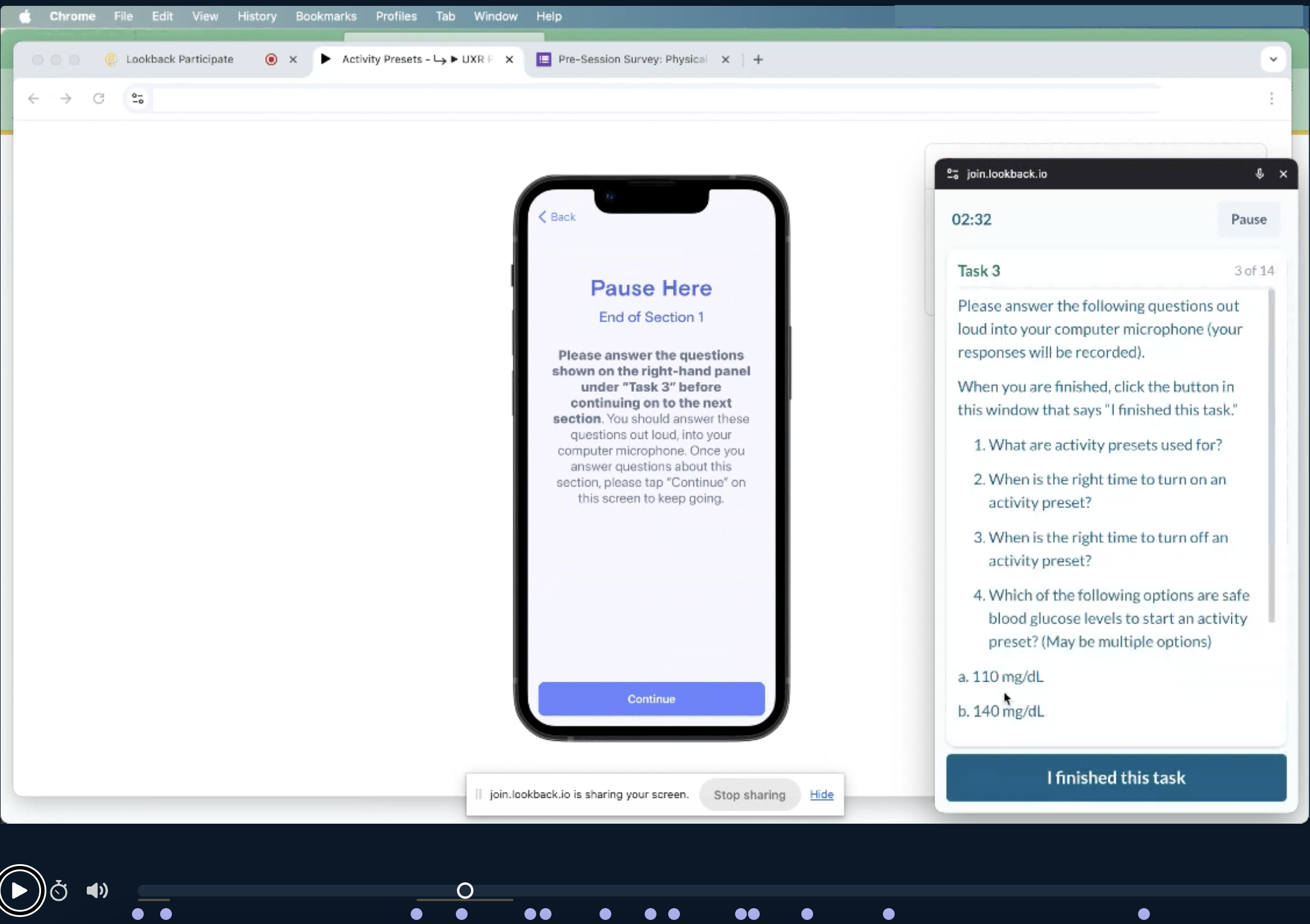
Participants then did a talk-aloud walkthrough of the activity presets tutorial, stopping to answer questions at four checkpoints.
After a 24-hour memory decay period, participants completed a second survey. This survey asked for any additional qualitative feedback on the tutorial, and also tested their before-and-after knowledge of key concepts using the same questions from the pre-study survey.
Key Findings
Improvements in before and after understanding of content
There was a significant improvement in pre-study and post-study knowledge survey answers in most areas.
The only topics that participants did not consistently improve their comprehension of were (1) what’s an appropriate BG to start exercising and (2) how high-intensity exercise may impact blood glucose.
Appropriate Blood Glucose Range to Start an Exercise Preset
Users needed additional reassurance in order to understand that 120-180 mg/dL is the recommended safe starting blood glucose range for exercise because it may be higher than what they’re used to.
Based on these findings, the language of this section of the tutorial was updated to start with “Research suggests that…” in order to give authority to the recommendation while also leaving room for the possibility that this recommended range may be different than what someone is used to.
Impact of High-Intensity Exercise on Blood Glucose
Users had strong mental models relating to insulin needs and physical activity from prior experience and needed extra reinforcement to understand that more insulin may be necessary for high-intensity exercise. Many participants reported that they would expect needing less insulin during high-intensity exercise rather than more.
Design recommendations included updating the copy to help users understand why their blood glucose might rise during high intensity exercise, and emphasizing that some people may not need to adjust their insulin needs at all during high-intensity exercise.
Copy Updates
Based on participant feedback, certain sections of the copy were updated for clarity and ease of comprehension. These changes included simplifying language and expanding upon confusing topics.
“Excursion in glucose”
“Change in glucose”
“Competition stress may raise your glucose”
“Stress during a game, match, or tournament causes your body to release hormones like adrenaline and cortisol, which may raise your glucose and cause Tidepool Loop to increase insulin delivery”
Follow-Up Research
This first round of research (asynchronous, small-scale) was efficient and impactful. Copy updates were made, and areas of confusion were flagged for further research.
In order to maximize the research the team could get done with the resources at hand, the second round of this study was combined with a planned usability study concerning other features of the Tidepool Loop App
The moderators guide was shortened, focusing on the main areas of confusion from unmoderated testing
Round 2 Insights: Appropriate Blood Glucose Range to Start an Exercise Preset
In the second round of research, there was a small amount of improvement in the number of participants who recalled that the proper blood glucose starting range for exercise is 120-180 mg/dL, (2/6 got this question wrong, up from 3/6 in the first round of research), but many participants expressed confusion or even personal disagreement with this suggested range.
Many users were hesitant to follow those guidelines. They already had personal preferences for managing their BG, and they indicated that they may disregard the official guidance even if they comprehend the recommended range from the tutorial.
“180 is on the high end for me. I hate being that high, so I think, yeah, my safe starting range is probably like 110 to 160ish.”
Research Participant
Tidepool determined that this behavior would not lead to harm given current risk mitigation measures, and did not pose a significant issue for overall tutorial comprehension.
Round 2 Insights: Impact of High-Intensity Exercise on Blood Glucose
In the second round of research, there was a small amount of improvement in the number of participants that recalled that high intensity exercise may cause blood glucose to increase (only 1/6 got this question wrong, up from 3/6 in the first round of research).
This improvement may be due to the copy updates after the first round, or it may be because the participants of the moderated study were forced to slow down and read the tutorial carefully in the presence of a moderator.
Based on these findings, Tidepool is working to develop a 2-3 minute audio episode on topics, including why someone’s blood glucose may rise during high-intensity exercise.